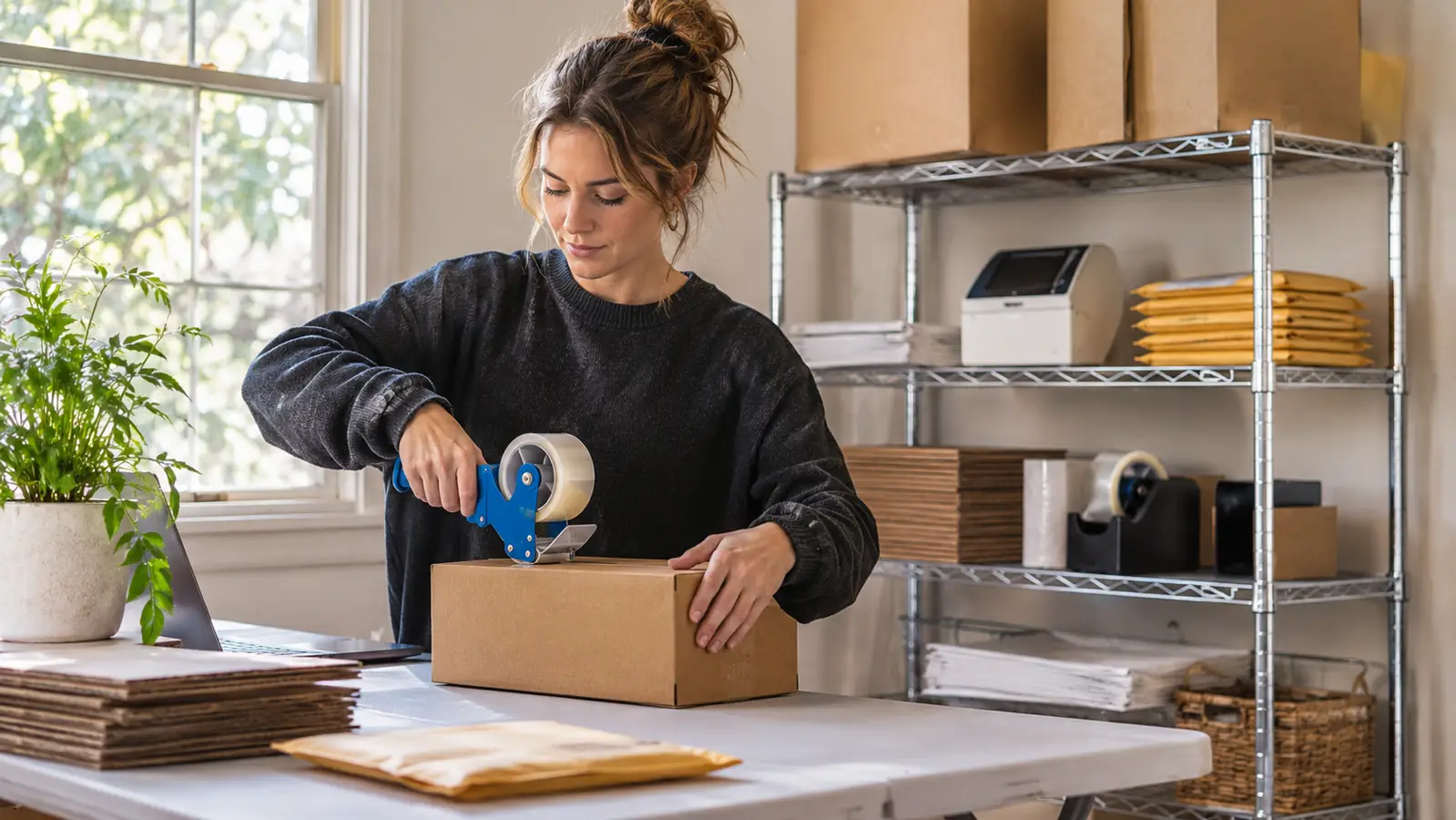
I bought the JADENS Bluetooth thermal shipping label printer in the spring of my fourth year of reselling, after one too many mornings spent trimming a sheet of paper with scissors and taping it to a poly mailer while hoping the barcode would scan. I sell mostly thrifted clothing and housewares on eBay and Poshmark, with a little Mercari when I end up with odd lots. My packing room is the spare bedroom: a folding table, wire shelving, and a rolling cart by the door. Before this printer my routine involved a desktop inkjet, a roll of packing tape and a fair amount of quiet swearing. What follows is what I wish someone had told me before I ordered, including the parts the product page glosses over.
Here is the short version. It has printed roughly eleven hundred labels for me, it has never jammed, and it has more than covered its cost in tape and inkjet cartridges I no longer buy. It has also confused me for two solid evenings, it will not do several things the box implies, and if you ship four packages a week you probably do not need it. I am not going to pretend it is magic. I am going to tell you what it does, where it gets awkward, and how to decide whether your version of reselling justifies owning one.
The Quick Verdict
A steady, no ink label printer that erased my tape and scissors mornings, provided you survive a clumsy first setup and buy your labels by the hundred.
Amazon Check Today's Price →Eleven hundred labels and not one jam: see today's price on Amazon
This is the machine that ended my mornings of trimming paper and hoping the barcode would scan. It prints a standard 4x6 label in seconds and takes up less shelf space than my tape dispenser.
Amazon Check Today's Price on Amazon →What Nobody Tells You Before You Buy
The first thing is that this printer has no ink. None. It is thermal, which means the print head heats the label paper and the paper darkens where the heat lands. There is nothing to refill, nothing to dry out while you are away for a week, and no cartridge to hunt down on a Sunday afternoon. What you buy instead is label stock, and you buy it in rolls of a few hundred. That trade is the whole economics of the thing. I stopped buying inkjet cartridges and started buying 4x6 labels, and my cost per package went down while my number of trips to the store went to roughly zero.
The second thing is the Bluetooth situation, and the listing is more honest about it than most. For Windows 8 and newer and for Mac, Bluetooth printing is available. For Android and iOS, the listing says plainly that you cannot print via Bluetooth on the phone and that another step comes first. I read that sentence three times before I ordered, because it is unusual for a product page to tell you what will not work. I print from a laptop running Windows, over Bluetooth, and I have never needed a cable after the first day. If your plan is to print from your phone while standing in line at the post office, read that line again before you buy.
The third is the size. It measures 5.91 inches deep, 9.06 inches wide and 5.91 inches tall, which is smaller than the loaf pan I bake banana bread in. It sits on the end of my wire shelving next to the tape dispenser and I forget it is there. It prints at 203 by 203 DPI, which is not photo quality and does not need to be. A barcode is black bars on white paper. That is the entire job.
How I've Actually Used It
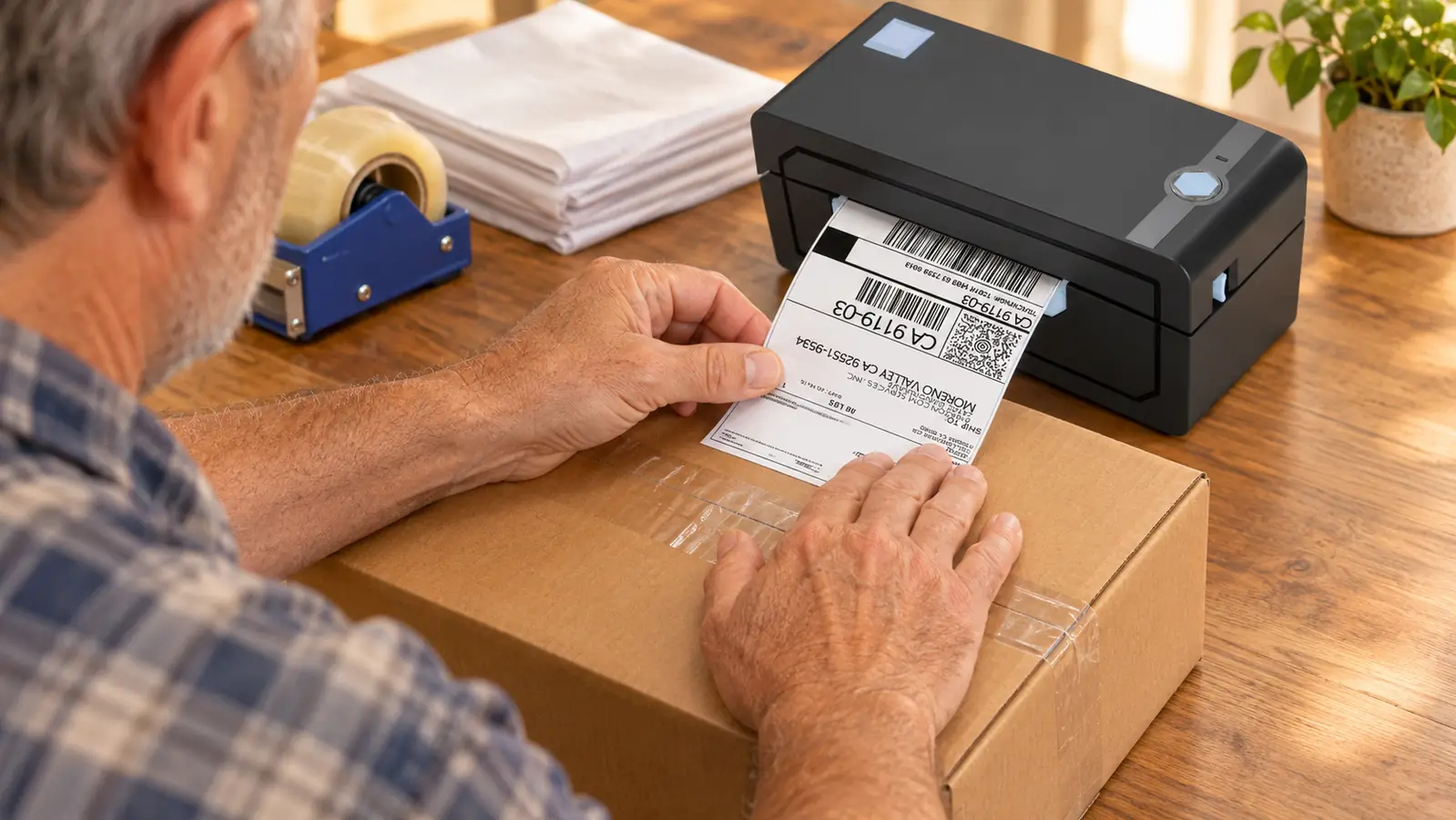
My shipping mornings run from about seven to nine. I pull the orders that came in overnight, pack them on the folding table with the radio on, and print labels as I go. On a normal Tuesday that is eight labels. On the Monday after a good estate sale weekend it can be twenty. The printer keeps up without complaint. It is rated at 6.57 pages per minute, and while I have never timed it with a stopwatch, the gap between hitting print and peeling the label off is short enough that I stopped noticing it. The bottleneck in my packing room was never the printer. It was me finding the right sized box.
Label width matters more than I expected. The JADENS takes labels from 1.57 inches up to 4.1 inches wide, so the standard 4x6 shipping label sits well inside the range, and I have also run smaller labels for return addresses and for inventory tags on the shelving. The print head lines up cleanly every time. In six years of reselling I have had exactly two packages come back for an unscannable label, and both of those were in the taped paper era. Since this printer, zero.
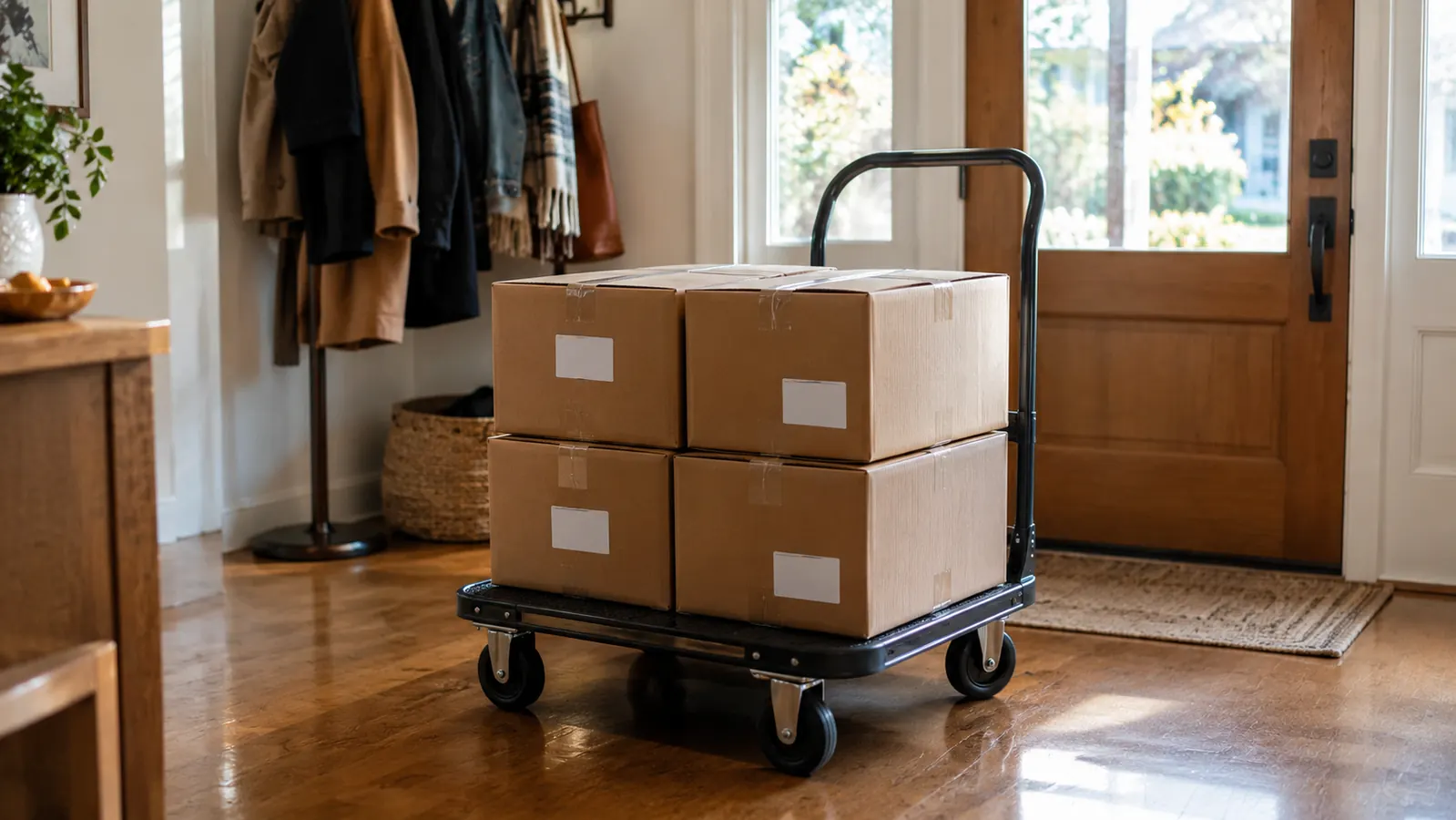
Gary carries the outgoing cart to the post office drop off on his way to the hardware store, usually around ten. The labels have to survive the back of a hatchback in Ohio humidity, and they do. Direct thermal labels are sensitive to heat and sunlight, which is worth knowing if you leave a stack on a dashboard in July, but a label stuck to a box that sits indoors for two hours is not going to fade. I keep the spare rolls in a drawer, not on the windowsill, and I have not had a single problem.
Two packages back for an unscannable label in six years of reselling, and both of those were before the printer. Since the JADENS, zero.
The Setup Is Where People Quit
I want to be fair to the printer and honest with you, so here is the part that cost me two evenings. The first connection was not obvious. USB works with Windows 7 and newer and with Mac OS 10.9 and newer, and the listing tells you to press and hold a button so the connection is recognized. I did not read that part. I plugged it in, watched nothing happen, unplugged it, plugged it into a different port, and generally behaved like a person who has never owned a printer. Once I read the instruction and held the button the way it said, the whole thing took about ninety seconds.
The Bluetooth pairing was smoother but still had a moment. My laptop saw the printer, I paired it, and then the print queue sat there doing nothing for a minute while I stared at it. Then the first label came out. Since that day it has connected on its own every time I open the laptop lid. If you are the sort of person who reads the quick start card, you will be printing in five minutes. If you are like me, budget an hour and a cup of coffee and do not decide at minute ten that the machine is broken.
One thing I will say for the company: the warranty runs one year, and support is reachable by email, by phone and by remote control help, which is a phrase I did not expect to find on a printer listing. I called once about a label alignment problem that turned out to be a roll I had loaded slightly crooked. The person who answered knew what the machine was and knew what I had done wrong. That is not nothing. Nine thousand seven hundred reviews at four point four stars is also the kind of number that suggests most buyers get there eventually.
What It Does Well
The speed is the thing I notice least and appreciate most. A label prints in about the time it takes me to fold a sheet of tissue paper around a sweater. Because there is no ink, there is no warm up, no nozzle check, and no streaky first page you have to throw away and reprint. Every label looks exactly like the last one. For a reseller, consistency is worth more than speed. A buyer does not care that you printed a label quickly. A buyer cares that the tracking number scans at the hub and the package arrives.
It is also small enough that it did not require me to reorganize anything. The spare bedroom is roughly ten by eleven feet and holds a folding table, three wire shelving units, the rolling cart and a folding chair. Adding a printer to that space was a real question, and the JADENS answered it by taking up less room than the tape dispenser and the stack of poly mailers beside it. I did not have to move a single shelf.
What I Liked
- No ink and no toner, so nothing dries out between shipping days
- Prints standard 4x6 shipping labels cleanly, plus narrower labels down to 1.57 inches
- Small footprint that fits on a wire shelf in a spare bedroom
- Fast and consistent, with 203 by 203 DPI that is plenty for a barcode
- Bluetooth works with Windows 8 and newer and Mac, USB with Windows 7 and newer and Mac OS 10.9 and newer
- One year warranty with email, phone and remote support
Where It Falls Short
- Labels are a recurring cost you did not have before
- First setup is not obvious and cost me two evenings
- Printing from an Android or iOS phone is not the simple Bluetooth path, and the listing says so
- Prints in black only, with no color for branded packaging
- It prints and does nothing else, no scanning or copying
- Direct thermal labels will fade in heat and direct sun
Where It Falls Short
Thermal printing means you are always buying paper. A roll of a few hundred labels is not a large expense, but it is a line in the budget that did not exist before, and if you run out on a Sunday morning with six orders packed you are driving to a store. I keep two spare rolls in the drawer now, which is a lesson I learned the hard way in December. The labels also come out with a slight curl. It is minor, and a second flat on the edge of the table fixes it, but if you like a label to lie perfectly flat the instant it leaves the machine, you will notice.
It prints black and nothing else. There is no color, which matters if you were hoping to print branded thank you cards or a logo for your packaging. It also only prints. There is no scanning, no copying, no duplex, no second tray of anything. It is a label printer and it behaves like one. I have read reviews from people disappointed that it would not do more, and I always wonder what they expected from a machine the size of a hardback book.
Bluetooth is the other honest complaint. It works, but it works the way Bluetooth usually works, which is to say nearly all of the time and then occasionally not. Twice in eleven hundred labels the laptop lost the connection mid queue and I had to toggle it off and back on. That is a better record than my wireless earbuds have. Still, if you need to print from a phone, remember what the listing says about Android and iOS and plan for the extra step instead of assuming it will behave like a desktop.
Who This Is For
This printer makes sense if you ship regularly. My rule of thumb is that if you print more than five labels a week, the tape and scissors routine is costing you more in time and aggravation than the labels cost you. My own version of that math: I was spending fifteen to twenty minutes a morning trimming paper and taping it down, five mornings a week, which is over an hour of my life every week on a task a machine does in a second. If you sell clothing on Poshmark, where a neat label on a polymailer is part of the presentation, the difference is visible to buyers. If you sell books on eBay where nobody sees the outside of the box, it is purely about your own time.
It also makes sense if you work in a small space. A packing room in a spare bedroom cannot absorb a big office printer, and this one does not ask it to. It sits on a shelf, it needs no special desk, and it is quiet enough that I forget it is on. For a part time reseller working out of the house, that is the correct shape of a purchase.
Who Should Skip It
Skip it if you ship a couple of packages a month. At that volume the post office counter will print your label for you, or your home inkjet will do it badly for a while, and the labels you buy for this machine will sit in a drawer long past the point where they stop feeding well. Skip it if you need color, or if you need to scan and copy, because it does none of those. And skip it if you are not willing to read the setup card. Two of the poor reviews I read came from people who plugged it in, expected it to pair itself, and gave up. The printer is not the problem in that story.
One more caution, and this one is about the phone. If your whole workflow lives on your phone and you picture yourself printing labels from a car in a parking lot, this is not that product, and the listing says so in plain language. Buy it as a desktop label printer with a Bluetooth option and it will do what you need. Buy it expecting your phone to behave like a laptop and you will be writing a two star review by Thursday.
If you ship five or more a week, this is the last label tool you will need to buy
It runs on labels instead of ink, prints a 4x6 in seconds, and fits on a shelf in a spare bedroom. Mine has printed about eleven hundred labels without a jam, and it has cost me exactly one frustrating evening of setup.
Amazon Check Today's Price on Amazon →